

BCECE LE Admit Card 2026 Out Today: Direct Link & How to Recover Forgotten Password
The wait is finally over for all engineering and professional course aspirants in Bihar! Today, May 23, 2026, the Bihar Combined Entrance Competitive Examination Board (BCECEB) has officially enabled the download link for the BCECE Lateral Entry (LE) Admit Card 2026. Candidates who have successfully registered can now download their hall tickets from the official portal.
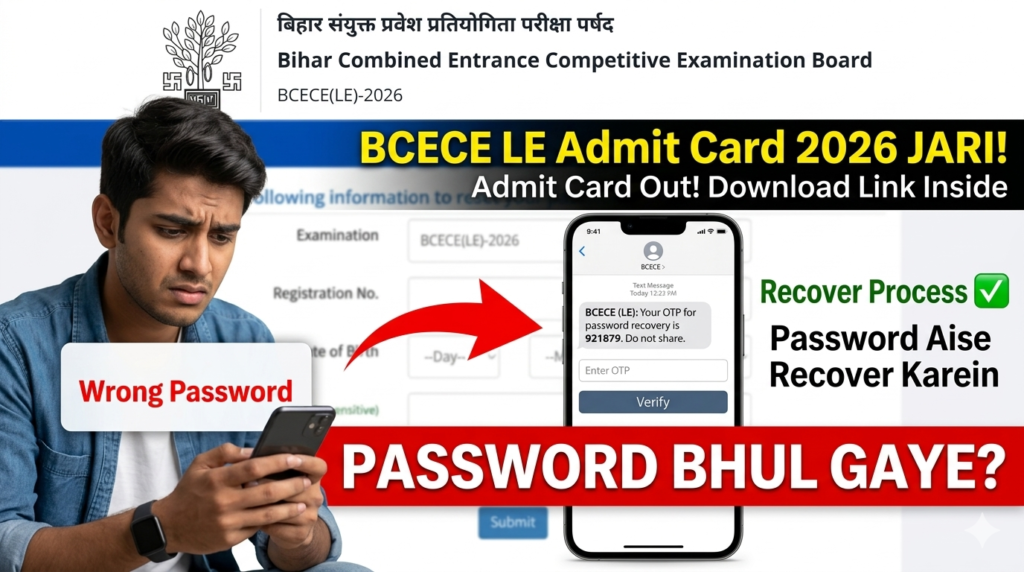
However, due to the gap between registration and the admit card release, a massive number of students are facing a common issue: “I have my Registration Number, but I forgot my password!” If you are stuck at the login screen and feeling panicked about your upcoming examination, take a deep breath. You are in the right place.
In this detailed guide, we will walk you through the exact, step-by-step process to recover your BCECE LE 2026 password in just 2 minutes, ensuring you can download your admit card without any hassle.
Why Are You Unable to Login for BCECE LE Admit Card?
Before jumping to the solution, let’s understand why your login might be failing. When you first filled out the BCECE LE 2026 application form, you generated a unique password linked to your registration number. Since we create so many passwords daily, it is incredibly easy to forget the exact combination of uppercase, lowercase, numbers, and special characters you used months ago.
Without the correct password, the BCECE portal strictly restricts access to safeguard candidate data. But thankfully, the board has provided a straightforward Account Recovery System.
Step-by-Step Guide to Recover BCECE LE 2026 Forgotten Password
Follow these exact steps carefully. We recommend keeping your mobile phone nearby to receive the OTP instantly.
- Visit the Account Recovery Page: Scroll down and click on the prominent red “Recover Password Now” button provided below. This will directly take you to the official NIC Bihar Applicant Password Reset portal.
- Select Reset Option: On the recovery page, you will see options to reset your password. Choose the option that says “Using an OTP sent via text message (SMS) to your Registered Mobile No.” or “Using an OTP sent via Email”.
- Enter Application Details: Carefully enter your BCECE LE 2026 Application Number/Registration Number. Make sure there are no spaces before or after the number.
- Security Pin / Captcha: Enter the case-sensitive security pin displayed on your screen.
- Submit and Verify OTP: Click submit. You will receive a One-Time Password (OTP). Enter this OTP in the required field.
- Create a New Password: Once verified, you will be prompted to create a new password. Make sure to write this new password down on a piece of paper immediately!
Ready to reset? Click the secure official link below to recover your account right now.
Recover Password / Reset Now Download Admit CardHow to Download BCECE [LE] Admit Card 2026 After Password Reset
Once you have successfully changed your password, return to the main BCECE LE login page. Enter your Registration Number and the newly created password. After a successful login, you will see a dashboard with a clear option stating “Download Admit Card”. Save the PDF file to your smartphone or computer immediately.
Crucial Details to Check on Your Admit Card
Downloading the admit card is not the final step. You must verify the details printed on it. Spend at least 2 minutes checking the following information:
| Detail on Admit Card | Why You Must Verify It |
|---|---|
| Candidate’s Name & DOB | Must exactly match your Aadhar Card or 10th Marksheet. Mismatches can stop your entry. |
| Photograph & Signature | Ensure the image is not blurred. If it is blurred, carry extra passport-size photos. |
| Exam Center & Code | Locate the center on Google Maps a day before to estimate travel time in Bihar traffic. |
| Reporting Time | Gates close strictly 30 minutes prior to the exam. Do not be late. |
Last-Minute Tips for BCECE LE 2026 Aspirants
Now that your admit card is sorted, focus your energy on revision. Do not start any new topics today. Revise your short notes, practice previous years’ question papers, and ensure you have packed a transparent pen, your printed admit card, and an original valid photo ID (Aadhar Card/Voter ID) for the exam day.
If you found this guide helpful in recovering your BCECE LE Password, bookmark this page for future counseling updates, cut-off marks, and result announcements! Best of luck for your exams!
Leave a Comment